Showing posts with label vpro. Show all posts

Friday, March 28, 2025

How to setup Intel Vpro with Mesh Commander

VPROI really like VPRO, it is one of the intel technologies that I find extremely useful.  I did a post back in 2017 for setting up VPRO on systems so you can remotely manage systems using Mesh Commander.  

Starting with the 12th generation systems, VPro systems use TLS to connect, which MeshCommander supports.  Below is a step by step setup of the BIOS/UEFI Settings required to use VPRO with MeshCommander.


Enter BIOS/UEFI


Go to Intel Manageability and enable intel manageability control


If this is the first time you have setup VPRO you will need to update the password, it needs to be at least 8 characters long, with one number, one capital and one alternative character i.e. -%#_@ 


Once we have updated the password, we will configure Intel AMT.


In AMT Configuration I enable all the redirection features
SOL - Serial Over Lan (for trouble shooting via serial interface)
Storage Redirection -  (Remotely booting images)
KVM - Allows the remote control of a client even if the OS isn't running


For User Consent I changed it to none so there is no issue to remotely access the computer, however if it is a user's workstation you may want to set it to KVM or ALL to get permission to access the system.

None  - You can access the computer anytime without alerting the user
KVM - You can access the computer anytime but need permission from the user to access the computer when using it for KVM access
ALL - You need to get permission from the user to access anything vpro function


For the network settings, you can specify a specific FQDN and a static ID


Network Access State, set the network access state to active.
Network Active - You can use VPRO Features
Network Inactive - VPRO is not available
Full Unprovision - Reset VPRO to the default state


Power Control, I set the sleep states to S0, ME Wake in S3, S4-5
Desktop: On in S0
Desktop: On in S0, ME Wake in S3, S4-5


Once configured you can add the system to mesh commander


Hit the add computer


Here is where the VPRO setup is slightily different from the 12gen version and above vs 11 gen and below.  For 11 gen and lower you need to set the Auth/Security to Digest/None, if you don't have kerberos setup.  Otherwise for 12 gen and up you need to set it up for Digest/TLS.

Auth/Seucrity Options:

Digest/None (use for 11 gen intel and below)
Digest/TLS (use for 12 gen intel and above)
Kerberos/None
Kerberos/TLS


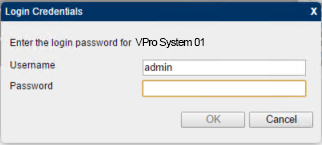
Fill out the system information, the friendly name is the name that you will see in mesh commander for connecting and can be anything.  The important information is the hostname which can be a FQDN or IP address, use the auth/security for the system your using.  The username/password is what you have setup in the VPRO bios/UEFI.


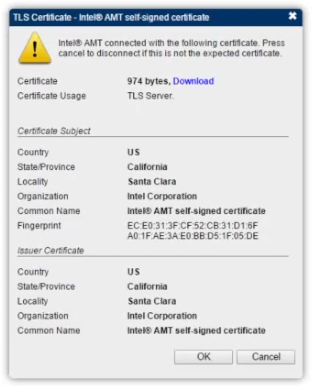
Once your finished hit OK, if it is 12th gen intel and above you have to accept the certificate.



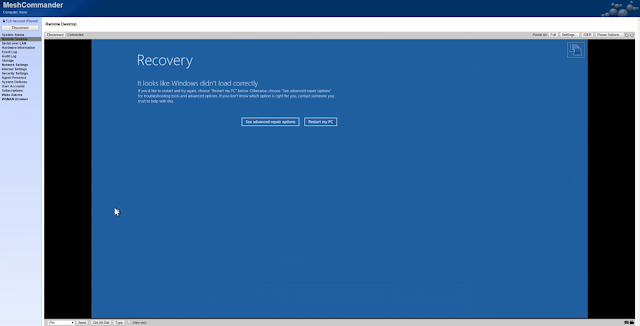
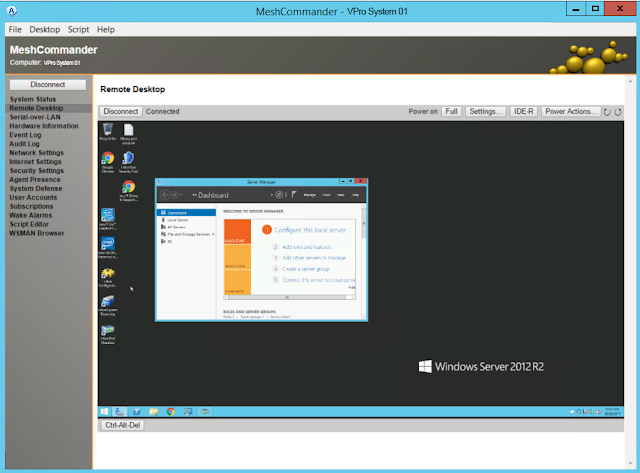
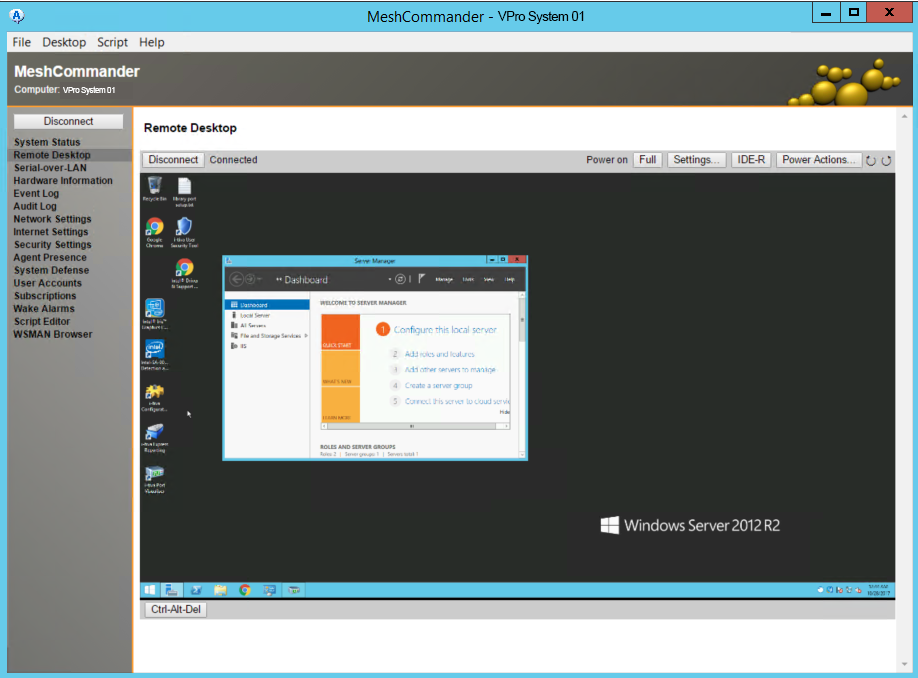
When you connect to access the KVM go to the remote desktop on the menu as shown below.


Enable the AMT Redirection in meshcommander


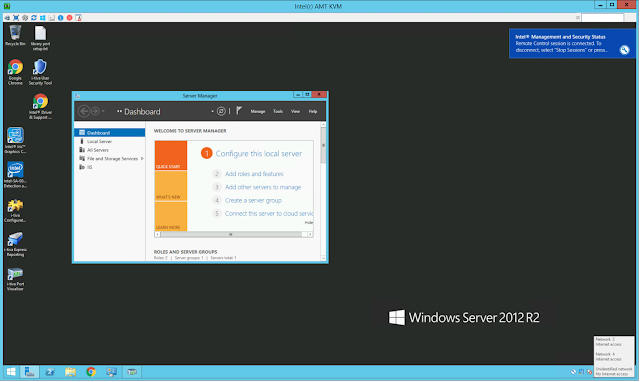
When you connect you will then be able to interact with the full system


Sunday, October 29, 2017

Managing vPro Systems

When you are a sysadm in a small shop for about 100 machines for 2 locations your find efficiencies to make your job easier.  I had an idea for using VPRO as a remote IT support solution.  I know vpro has it's issues such as being proprietary and there are solutions such as remote assistance, remote desktop, and teamviewer to name a few why would I use vpro?  

Well when you use remote desktop it blocks out the screen of the user your trying to help; remote assistance isn't the easiest process to use, and teamviewer users get confused with the ID and the username and password part of the teamviewer UI.  With VPro this is secured to an internal intranet network this allows me to turn machines on when I need to do work on those systems remotely, do remote support, see any issues they are having with any software where logs don't provide enough detail' and I can see the bios boot and logs if required.  I know vpro has it flaws and a number of major security issues lately but it does make my life easier with being able to remotely configure the system, check logs and even make changes to the bios without physically being there (unless someone unplugs the network cable).

Meshcommander

First you need to make sure that the vpro system is provisioned and you have set a username and password to access the vpro system.

To that end that's why I use meshcommander it is open source, works with vpro and I have 2 different ways of using the software.  The current version of meshcommander uses everything in a built in UI.  It is nice and easy to use but disconnects more then I like, probably because it is all browser based.


Meshcommander UI and System List


Mesh Commander offers a simple single UI where you can remotely manage all your VPRO based systems.  It's all integrated and easy to use.  Pro or Con you can only use one system at a time.

The other part which is depreciated by the same project is the Manageability Commander Tool.  This is kind of the piece meal solution before Mesh Commander.  The Manageability Commander Tool allows you to specify a VNC client for the connection.  I use Ultra VNC Viewer.


Mesh Commander Tools gives you a tab based interface.  Useful if you want to work in multiple windows.  For here you can launch the vpro management and access it from the browser.
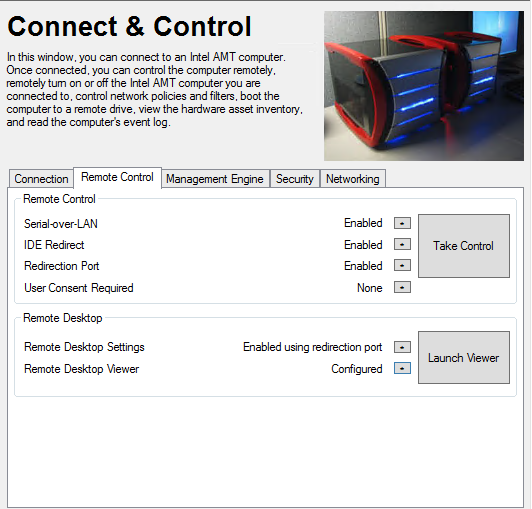
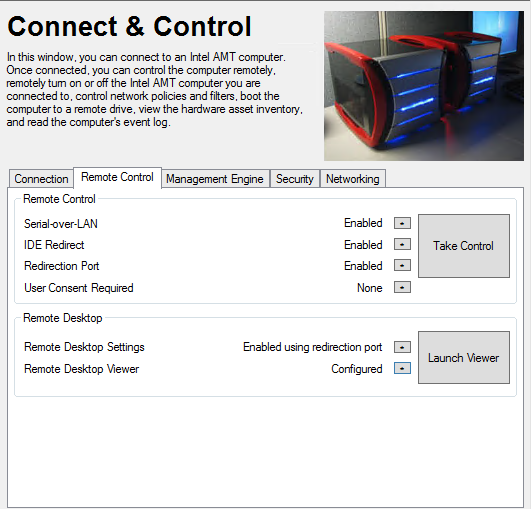
The Mesh Commander Tool tab Remote Control allows you to specify how you want to connect.  You configure the remote desktop viewer to the VNC Viewer you want to use by browsing to the executable on your system.
You can specify which VNC client you would like to use.  UVNC viewer I have found works really well and you don't have to pay for any licencing which you have to for VNC Viewer.
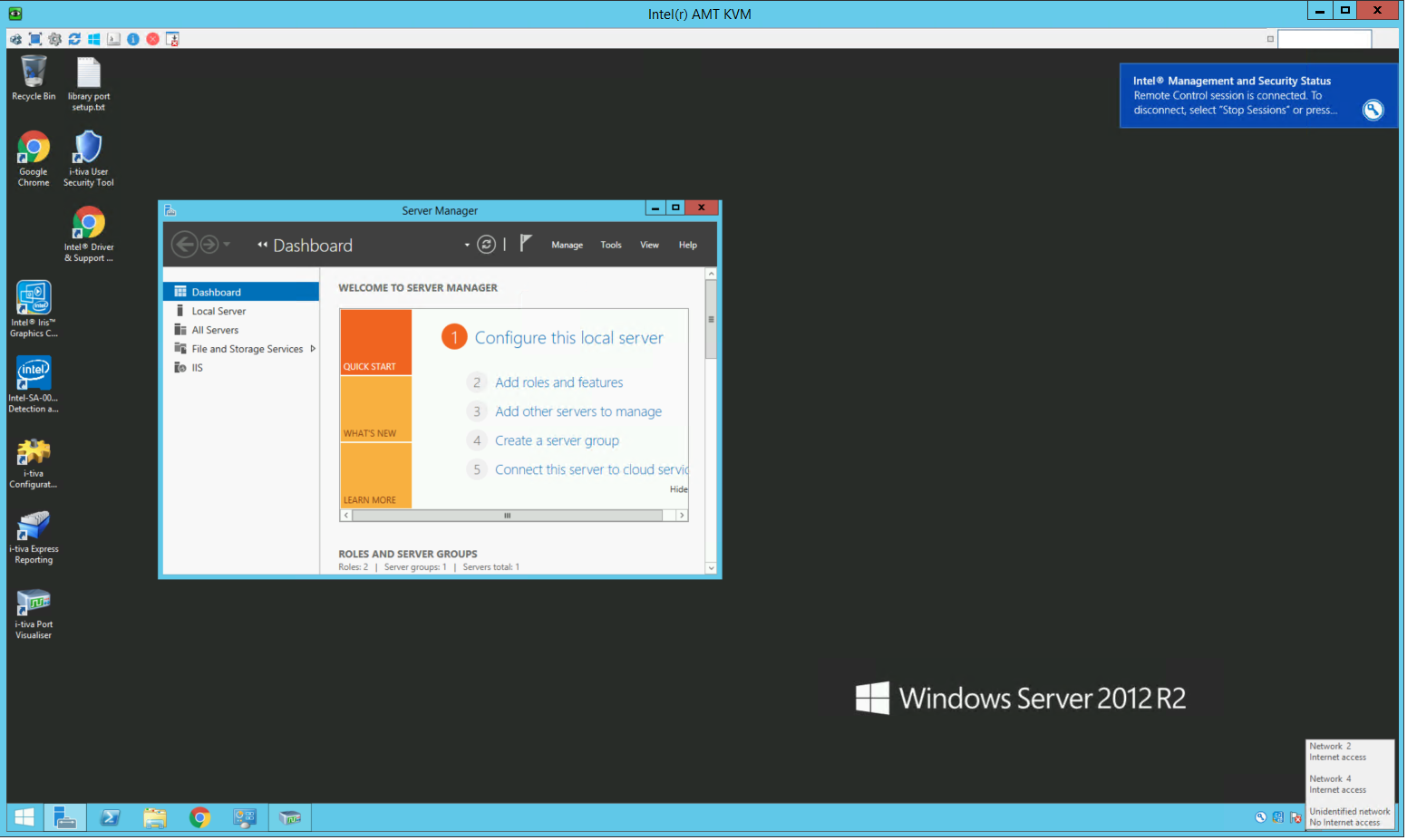
Mesh Commander Tools Launches the VNC Program in a separate window and you can have multiple windows open at once which you can't with Mesh Commander

Crontab changes in Linux 26.04 vs previous versions

I use a small Linux server to control the turning on and shutting off our client stations with crontab.  The system I typically use is Ubunt...