Showing posts with label igloo. Show all posts

Friday, April 01, 2022

Whitelisting access to the Igloo Action Button

What is the Igloo action button?

The action button gives you access to administrative tools for each page and various features within the digital workplace. These tools allow you to edit the current page, view subscriptions, change access and much more.

Now for most users they don't need to see the action button, however if a user is given any permissions of edit and above, you get access to the action button which will allow you to customize the look of your page, add widgets, etc.

For my use case we wanted users to be able to add and edit posts but did not want them to be able to add widgets or make changes to the page.  Since Igloo lacks this kind of granular permission, the following Javascript will whitelist the action button according to who is logged in.

This is done using the Igloo.currentUser.name property you can read when using SAML

Read more about the Igloo SAML variables.
 

<script type="text/javascript">

//<![CDATA[

switch (Igloo.currentUser.name){

default:

document.getElementById('contentmenu').style.display = 'none';

break;

case "Dylan Hunt":

document.getElementById('contentmenu').style.display = 'visible';

break;

case "Beka Valentine":

document.getElementById('contentmenu').style.display = 'visible';

break;

case "Shamus Harper":

document.getElementById('contentmenu').style.display = 'visible';

break;

case "Trance Gemini":

document.getElementById('contentmenu').style.display = 'visible';

break;

}

//]]>

</script>

Tuesday, September 14, 2021

Allowing iframes from a shared hosting server

Shared Hosting Providers

Website security is a very important thing these days.  There are lots of reasons to refuse sites from embedding your site via iframe or embed tag.  However if you have or are purchasing a paid for services like an intranet and you don't want to re-write everything to work with that services JavaScript library and security policy, an embed or iframe may just be what you need to use.  

By default, most of the shared webhosts I've used allow configuration with a .htaccess file.  Now I do recommend going though and assessing what you need to setup for your site to get done what you need to get done security wise; but in this case I need to allow for iframes from an igloo intranet site.

Typically if you have experience in setting up something like apache, you would use the x-frame header to do this; however this has changed for modern browsers, and while you may still need to add the x-frame for some legacy browsers, I'm going to be focusing on edge, chrome and firefox.

On igloo I have a embed tag, with the source going to a website which I have on a shared host.  I have a sample that can be seen below.  By default the shared hosting provider refuses the iframe connection by default.

<embed type="text/html" src="https://websiteIcontrol.ca" width="500" height="200">

On your host, edit your .htaccess file and find your mod_headers.c by default it should be something link this below.

## Suppress mime type detection in browsers for unknown types
<IfModule mod_headers.c>
Header always set X-Content-Type-Options "nosniff"
</IfModule>

We want to add the following (the one highlighted in green).

## Suppress mime type detection in browsers for unknown types
<IfModule mod_headers.c>
Header always set X-Content-Type-Options "nosniff"
Header set Content-Security-Policy: frame-ancestors 'self' https://websiteIcontrol.ca
</IfModule>

Once you add that and save the .htaccess file and when you refresh you page on igloo your iframe/embed will show up in igloo. as shown below.

For more information please refer to the links below for more information about .htaccess, x-frames and content-security policy.

https://htaccessbook.com/

https://htaccessbook.com/important-security-headers/#xframe


Friday, July 23, 2021

Working with igloo, variables, and coding

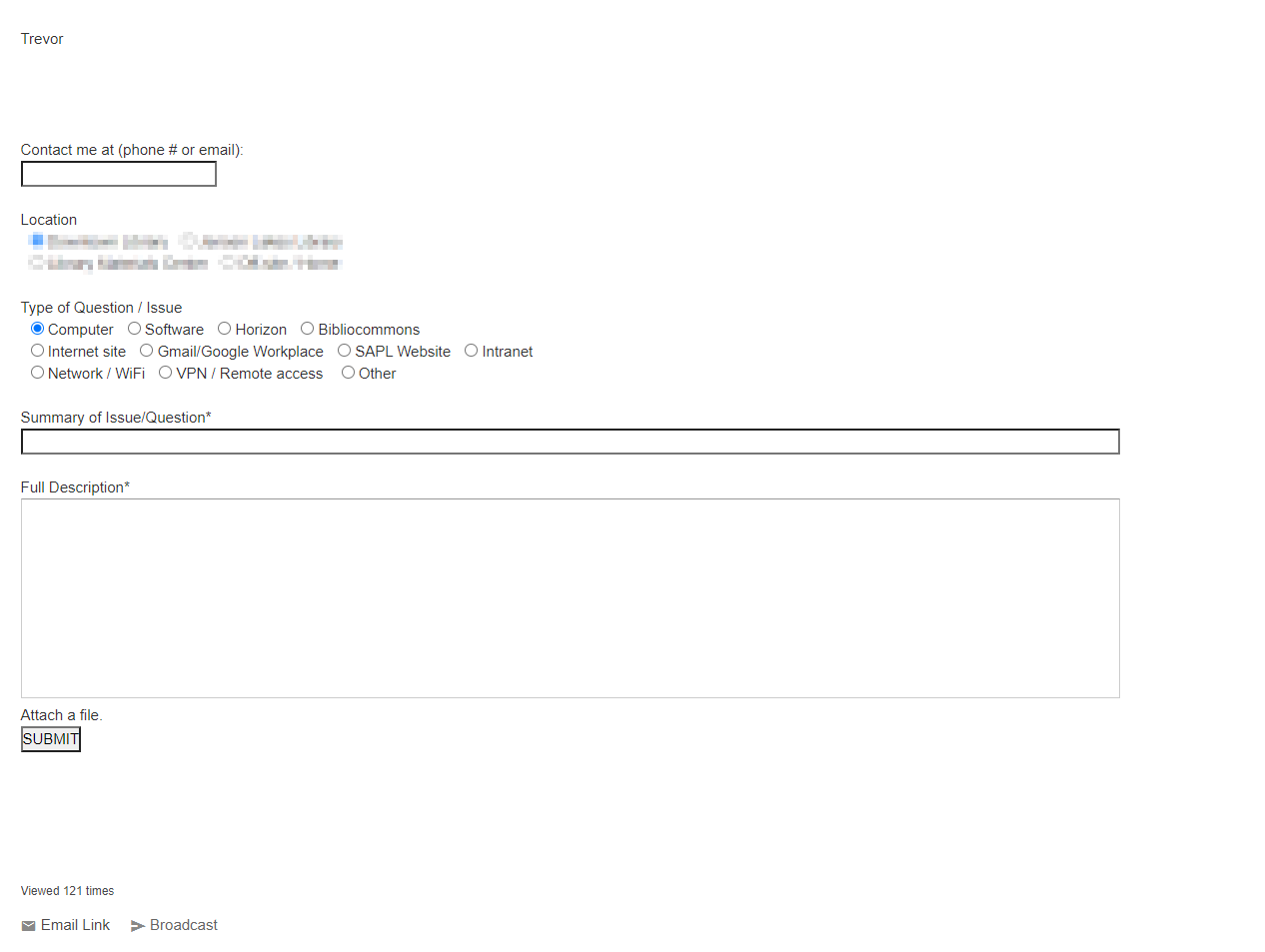
 I've been asked to setup an email form to tie into Igloo, and for the most part setting up Igloo for a SAML connection was pretty easy, (I'll do a post on that later) but for this email form setup getting some of the variables out of igloo was more tricky; especially since I am not to familiar with the platform, or how it works.  I hope this post will help other coders who need to do work on an igloo system without having to get the developer account or just found it as frustrating as I did trying to break the system down.  I haven't come across a good document for how to do these particular kind of things on Igloo's site but you do have to be approved by igloo to access customer care and the developer section of the site.  In my option they don't have a good web only quick start guide.  So I hope this will help some users of the platform.  If you don't have a igloo login, the only thing accessible is the guides-ebooks page on their website.

https://www.igloosoftware.com/resources/guides-ebooks/

So you have to have an account (probably with admin access) to get more info and access to the igloo support forums.  When your logged in you will see something like this menu.


If you go to the Igloo support link, you will get to see the following resources.

Developer KB

https://customercare.igloosoftware.com/support/developers/kb

Community Forum

API Reference

https://customercare.igloosoftware.com/support/developers/api_reference

For working just with a webform and trying to get some info from the user to me wasn't very intuitive and working with the platform wasn't intuitive but it is workable once you know how things are done.  Now a requirement for this form is that I can't use an iframe, and needs to be native to igloo.  So in this case the email form was setup as a start it was setting up an email form, where it sends data to a helpdesk system but I don't want the user to have to type in their email again because they are logged into the intranet and I should be able to get this information.


So after doing a lot of googling I came across an obscure reference on the community forum.  https://customercare.igloosoftware.com/community/developer_questions/is_there_a_quick_way_to_get_the_current_user

So not being familiar with igloo I looked at the comments, and seen the question about referencing the object (since I wasn't using the API) I thought it was referenced though the WYSIWYG editor like some other CMS/LMS systems.  I was wrong.

So I tried using {Igloo.currentUser.id} in the HTML page where the form was, and that didn't work.  nothing was displayed and I couldn't get/find any kind of documentation for what I was looking for except from this reference.  I gathered that I had to probably use javascript to access it; however the way igloo is setup you have to really plan how you want to work with.  After viewing source and finding this snipe of code.


 I figured that I have to be able to access this the same way I just have to figure out how to use javascript to access the info.  I found it is best to work in two tabs when doing this in Igloo.  One to have the HTML editor open, the other to have the javascript editor open.

HTML Editor

Javascript Editor


  So I did a test with document.write in the javascript editor in igloo. which broke the page I was working on but I did see the variable get written to the screen!  Yay!?

document.write(Igloo.currentUser.id);

So after setting up some HTML elements I came up with this.

document.getElementById('name').setAttribute('value',Igloo.currentUser.name);

document.getElementById('userid').setAttribute('value',Igloo.currentUser.namespace);

//Display just the first name. (does a split based on the space in the name)

const title=Igloo.currentUser.name;

const firstName=title.split(' ')[0];

document.getElementById('staffName').innerHTML = firstName;

This javascript allows me to get the email because the email has the same convention as the namespace, I can put a note with the user's name with instructions or a note for the email form when they land on the page.


So in short, for any web dev's who are just throwing something together quickly, here are the igloo JavaScript variables for getting some user info.

Igloo.currentUser.name

Igloo.currentUser.namespace

Igloo.currentUser.href

Igloo.currentUser.id

Igloo.currentUser.hasphoto

Igloo.currentUser.memberkey


How to make google calendar more secure

With the rash of spam and phishing attempts lately, I would recommend making the following changes to your google calendar settings to secur...