In our organization we use lansweeper for ticketing and system inventory and management. Recently we had an issue where our AD users would not sync with lansweeper. The error shown was that the LDAP Server was unavailable
 |
| LDAP ERROR |

We removed the Preferred domain controller
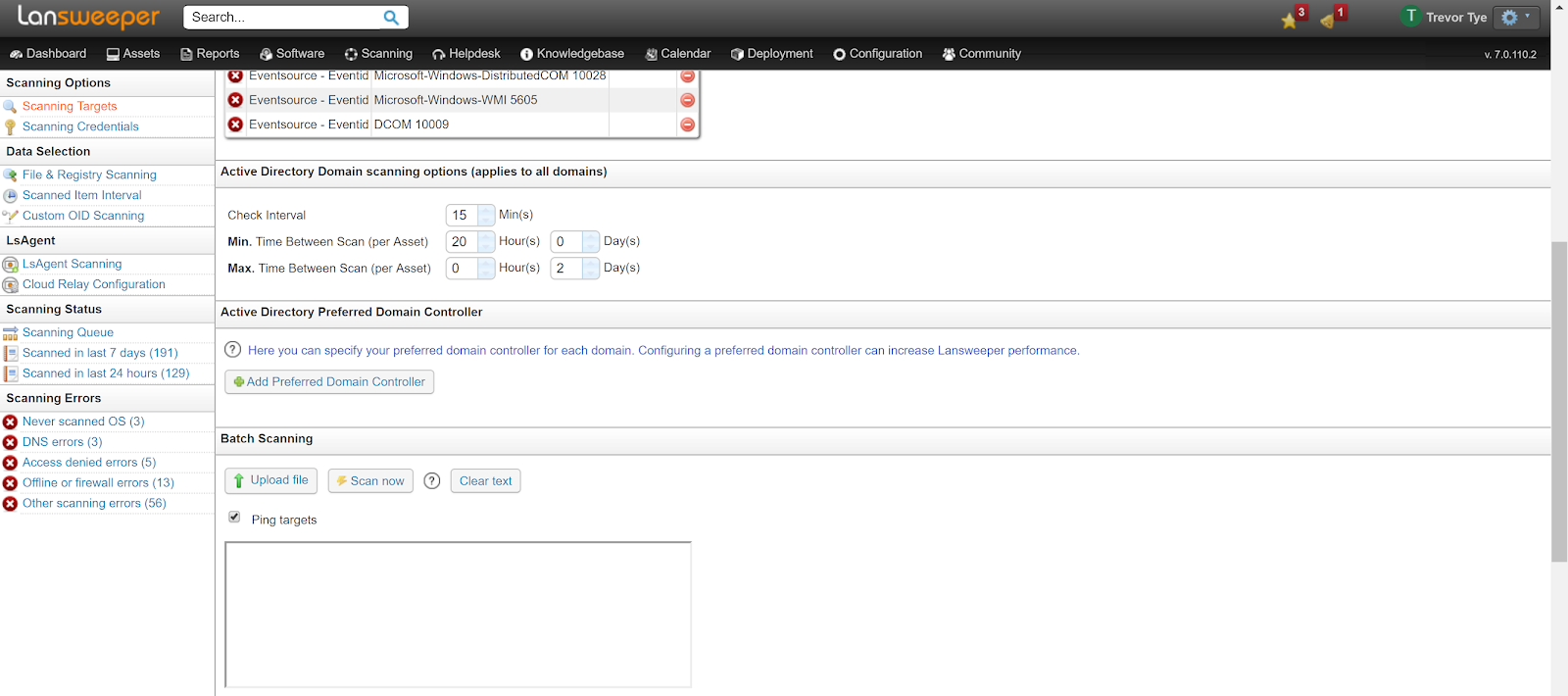
And setup a new scan
 |
| Setup a new scan after the preferred ad controller has been removed |
 |
| Lansweeper Syncing with AD |
After the scan the Users started to sync with the AD Controller again. However having had this issue once before, you may need to reboot the lansweeper server if the users continue to have the LDAP error after the rescan. After the reboot the LDAP Error should be gone.


