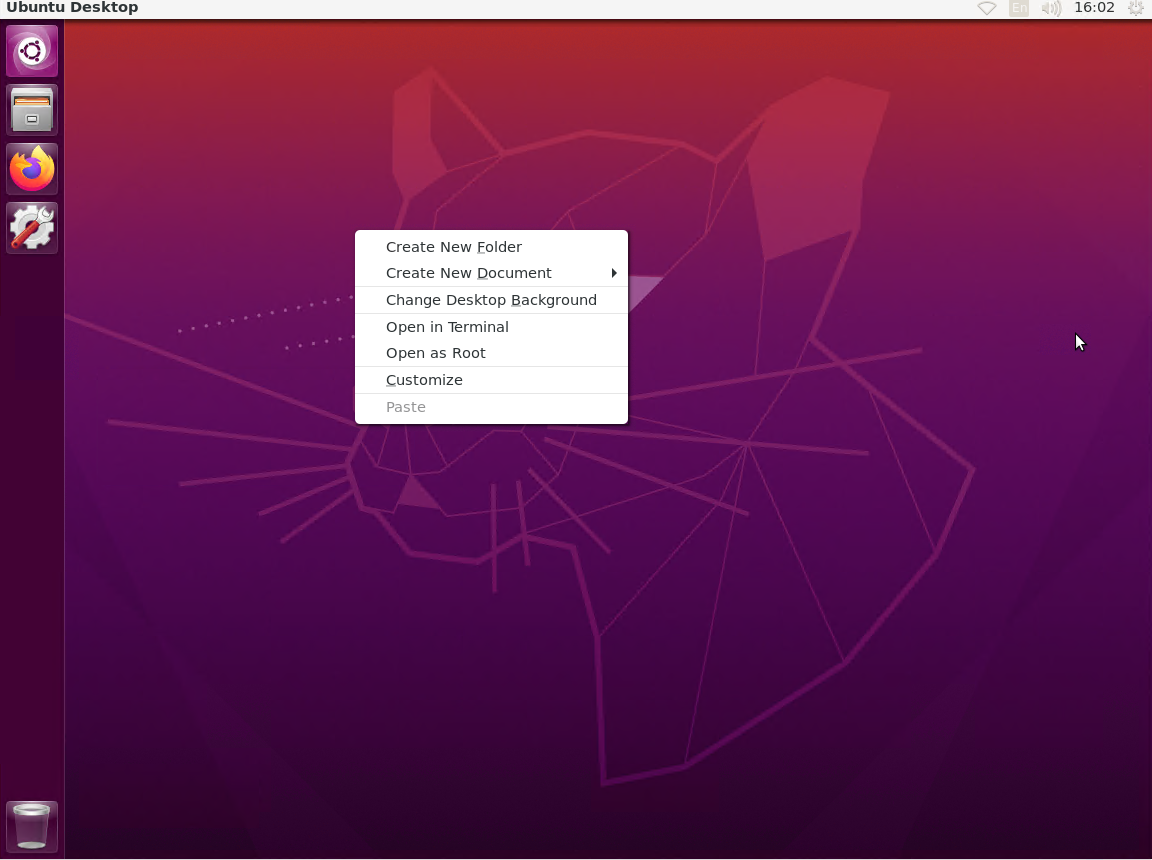
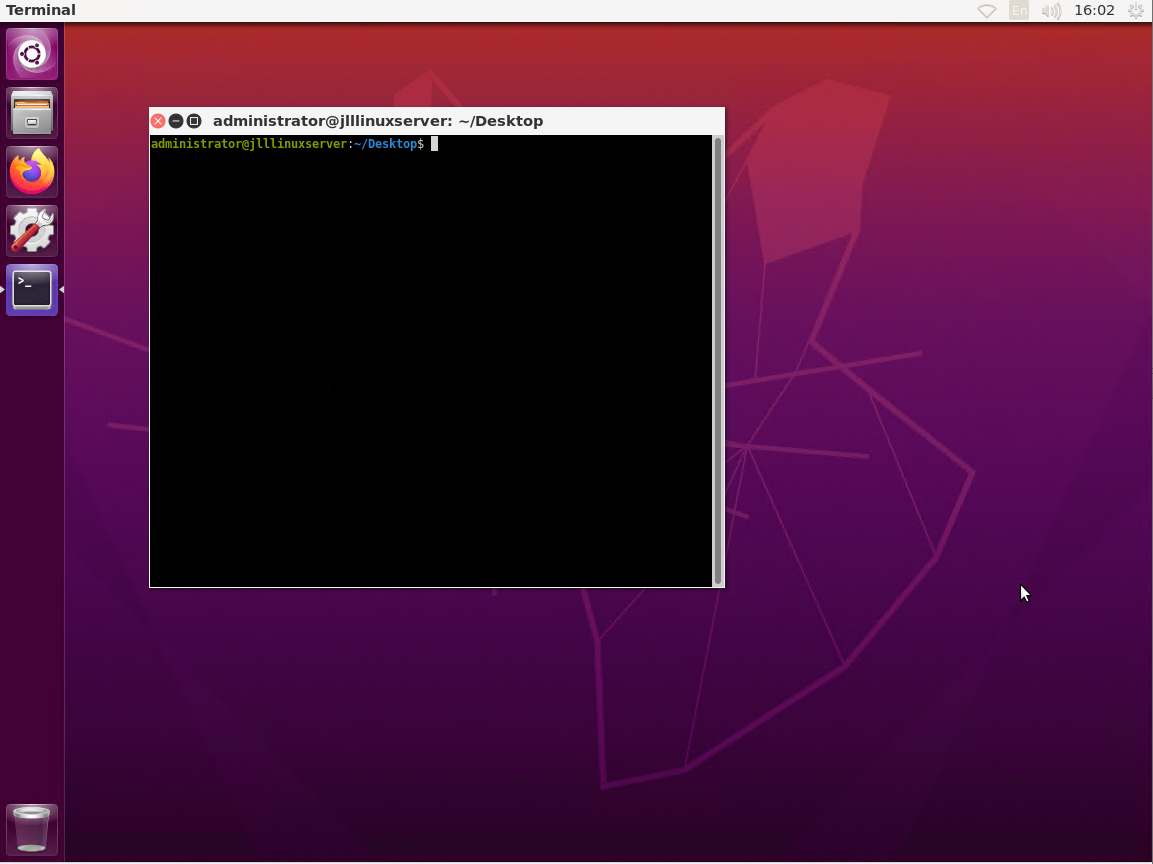
When I install a Linux server like Ubuntu Server, I occasionally do require a desktop but I don't want all the additional software that comes with the gui like LibreOffice, Thunderbird, etc. Don't get me wrong, this is all great software for a client desktop but it isn't something that one might want on a server. To achieve a small desktop footprint I do the following:
Get and install updates "sudo apt-get install update"
Get and install upgrades "sudo apt-get install upgrades"
Install lightdm "sudo apt-get install lightdm"
Install Unity "sudo apt-get install unity"
Install ubuntu desktop
*** Important update **** When I went to setup a new lite version of ubuntu server when I tried to use the latest version of Ubuntu Server 20.04.02 and ran
"sudo apt-get install --no-install-recommends ubuntu-desktop" I got the following error
"Command line option --no-install-recommends is not understood in combination with other options"
In previous versions of Ubuntu the command works fine such as in 16.04.07 but in Ubuntu 20.04.02 I had to use "sudo apt-get install ubuntu-desktop-minimal" So please note this important change if you are trying to create a minimal version of a linux desktop; this may also affect other distros.
If your looking for an inexpensive way to setup an automatic turning on and shutting off of your windows computer systems, using WOL and RPC are an excellent way to do that, you can even setup a Linux server for controlling the timing for turning the systems on/off and it isn’t too difficult to manage. I will do a post soon about setting up a linux server to run WOL and RPC Shutdown scripts. If your looking to set one up the quick and dirty version is: Requirements SAMBA, Windows Admin and Password, Linux Admin and Password Put startup/shutdown scripts in /etc/cron.daily Startup sudo -i -u $linuxAdminUser -p $password wakeonlan -i $IPADDRESS $MACADDRESS Shutdown sudo -i -u $linuxAdminUser -p $password net rpc shutdown -I $IPADDRESS -U $WindowsADM%$password -t 1 -f Use Crontab to setup scheduling
at minute 00, hour 12, * - no value (day of the month), * - no value (month), 5 the fifth day of the week (friday), user to run the script and script to run. So the following example "00 12 * * 5 root /etc/cron.daily/shutdown.sh"
at minute 00, at 12 pm, on friday run as root the script shutdown in /etc/cron.daily
Setting up the Windows 10 Client
For setting up WOL/RPC shutdown, you have to have your windows clients prepped with the proper firewall rules and user accounts for privileged access.
An administrator account (not called administrator as windows 10 upgrades disables this with each update)
RPC and Remote Access Firewall Rules Allowing (I also allow ICMP and Ping) for remote management with services such as lansweeper and FOG
Updated Intel network driver
One thing I have noticed recently is that the manufacturer driver doesn’t seem to work with WOL. Working with some Lenovo m93 and m900 series and and HP {put hp model here} doing a full windows reinstall/reset breaks WOL. Even getting an up-to-date manufacturer driver WOL doesn’t seem to work which is extremely odd. A major difference I can account for this is the update to the intel proset tools for their network driver which brings a GUI interface back to add and remove VLANs to Windows 10.
Nic Driver settings to enable WOL in Windows 10
Enable WOL in Windows 10. In Windows 7 unchecking the computer to turn off the device would leave the device on but in windows 10 it disables all power management and turns it off. For WOL to work you have to enable "Only allow a magic packet to wake the computer option"
Wake on Link Settings - Disabled
Wake on Magic Packet - Endabled
Wake on Pattern Match - Enabled
Wait for Link - Auto
Even with these settings being enabled and no errors WOL would not go. I had S3, S4 and S5 enabled in the bios, which would enable WOL to work, but when I send the WOL packet the system stays off.
Version 25 of the Intel network driver and proset tools
Intel Proset software and drivers
Adapter driver Options
Teaming and Vlans
Once I updated the driver to version 25 WOL started working for my windows client. RPC shutdown from Linux sudo -i -u $linuxAdminUser -p $password net rpc shutdown -I $IPADDRESS -U $WindowsADM%$password -t 1 -f
RPC SHUTDOWN ERROR
To fix this issue
Manual Registry Hack
Open regedit.exe through the start menu search or run box, and then navigate down to the following key, creating a new key if it doesn’t exist.